Appearance
Read a saved RCS communication.
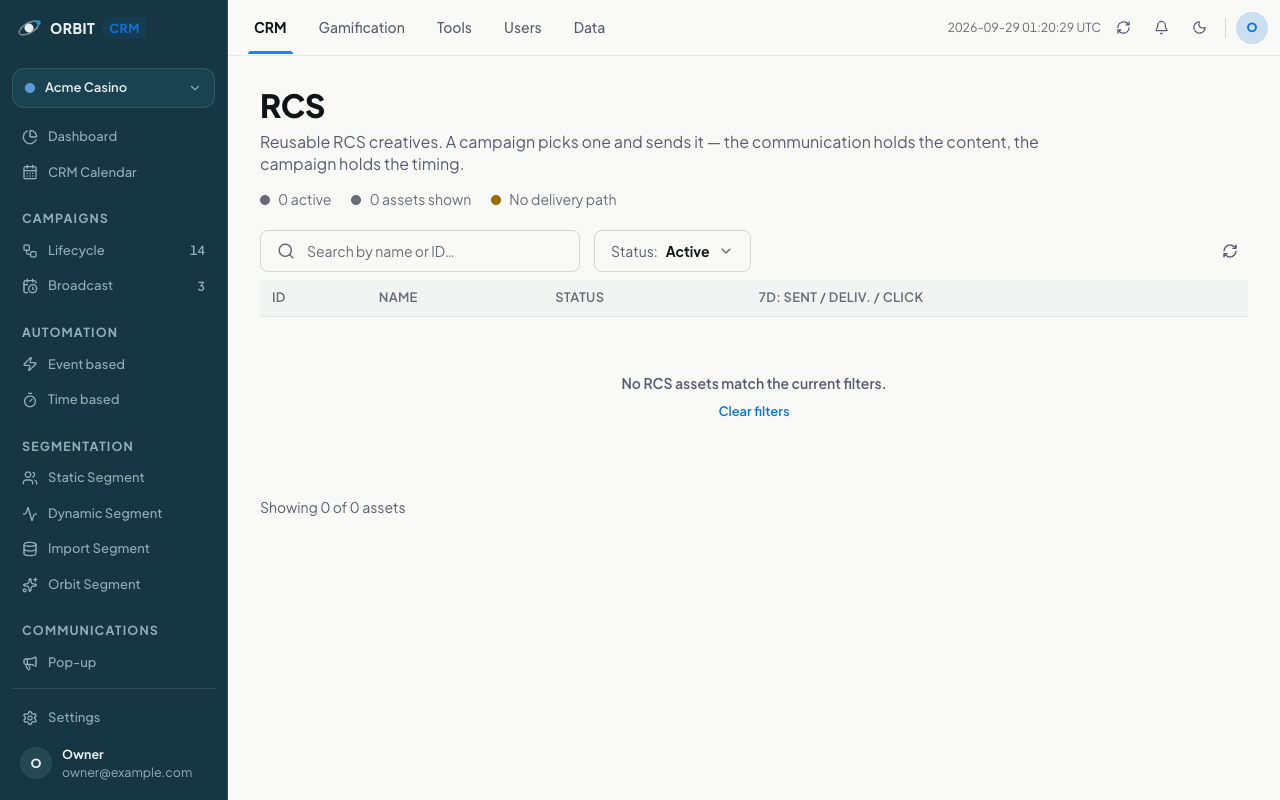
- Open CRM, then Communications, then RCS. The title is RCS. The header mark is No delivery path: Orbit has no RCS gateway, so this list does not offer Create. Search by name or ID… and Status sit above the table. The list opens with Status: All. With nothing saved, the table says “No RCS communications match the current filters.” See See every status on a communication list.
- Open a row that already exists. A new one cannot be saved: the card shows “Orbit has no RCS gateway, so an RCS communication is never sent.” and Save stays off. Message type on a saved row is five choices. Text says “Plain text message with optional buttons. Best for quick updates.” Media says “Send an image or video with optional caption.” Rich Card says “Media, title, description, and up to 4 action buttons in one card.” Carousel says “Up to 10 swipeable cards. Great for product lists.” Template says “Use a pre-approved provider template, resolved at send time.”
- Every type has Message, with the hint “Define the content of the message (max. 2000 characters)”. Media, Rich Card, and Carousel also show Media URL, “Image or video shown with the message”. Choose from Files, beside it, fills that URL from Files. Rich Card adds Card title. Carousel does not open a list of cards. It is one Media URL and one Message, the same shape as Media. Template adds no template number. It uses the same Message as Text.
- Suggested actions is on every type. The note says they are saved with the message, and delivery depends on provider support. An empty block says “No actions yet. Click below to add one.” Add suggested action adds a Button text and a link. The link placeholder is https://… or dp:page.
- Fallback is Enable SMS fallback — Off until you turn it On. The line under it says that if the recipient device doesn’t support RCS, a plain SMS is sent instead.
- The preview shows the media, the card title when you set one, the message, the action labels, and “SMS fallback enabled” when that switch is on.
- On that existing row, press Save. Saving it still does not send it.
Warning
On a Lifecycle flow, RCS is not on the bar of a new flow. When the canvas already holds one, it is marked No delivery path, and you cannot add another. The reason is “No delivery path: Orbit has no gateway for this channel, so nothing reaches the customer and the outcome on the trail is simulated.”