Appearance
Read the game catalogue for the active brand: the name, who provides it, the type, and the RTP in force. You do not add or edit a game on this page.
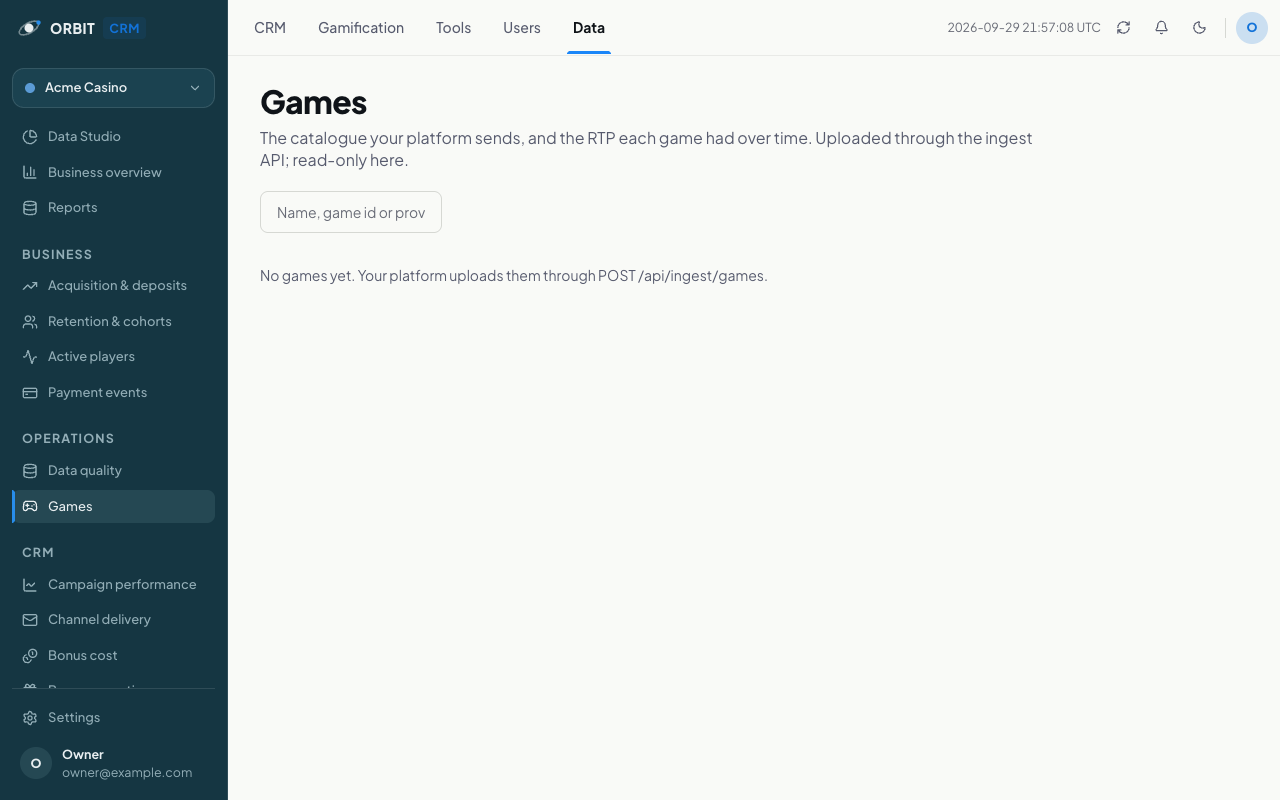
- Open Data, then Operations, then Games. The title is Games. The page is read-only. With no brand selected, the list does not load.
- The search placeholder is Name, game id or provider. Type any of those. The list narrows as you type.
- The columns are Game, Provider, Type, RTP and In force since. Game shows the name, and under it the game id. An empty provider or type is a dash.
- RTP is the figure in force, shown as a percent. When the catalogue has no RTP, the cell says not stated. That is not zero. In force since is the day that RTP started. When the catalogue has no start date of its own, the cell says From the start. If more than one RTP is stored, the cell adds how many values on record.
- The line under the table is the range you are seeing, of the total. Previous and Next move through the pages. Previous is off on the first page. Next is off on the last page.
While it loads, the page says Loading…. If the read fails, it says Could not read the catalogue. A search that hits nothing says No game matches that. A brand with no rows and an empty search says No games yet.
Tip
Your Orbit admin can find the integration guide under Tools. This screen only reads what is already stored for the brand.
Mini Games under Gamification is a different list. That menu is where a wheel, a scratch card and the other mini games are set up. Games here is the catalogue of games the brand already plays.