Appearance
The reset link opens Set a new password. When the new password is accepted, the page says Password changed. Two-factor is left as it was, so you finish on Sign in. A link that no longer works says so before it asks for anything.
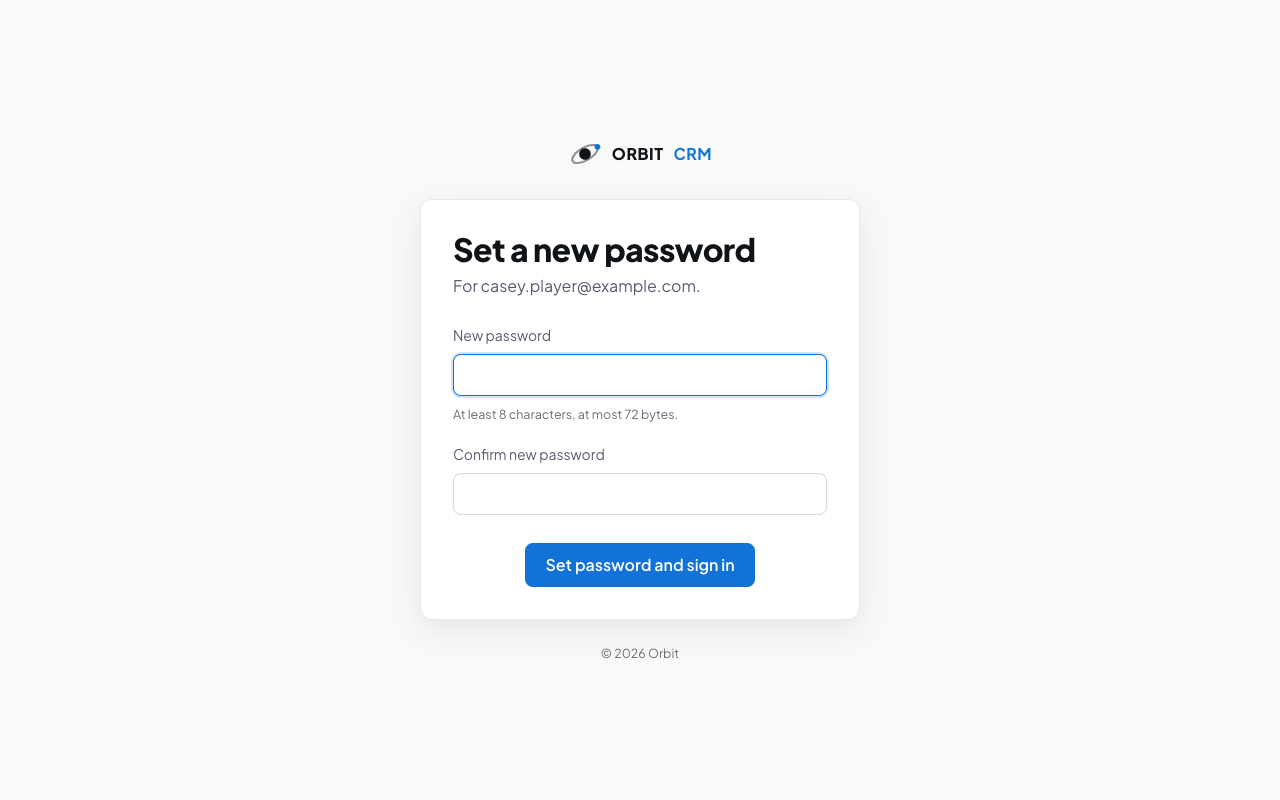
- Open the link you were sent. The title is Set a new password. While the link is checked, the subtitle reads Checking the link…. When the link is good, the subtitle reads For and then the email.
- Type the new password in New password. Until there is a problem, the line under the field reads At least 8 characters, at most 72 bytes.
- Type it again in Confirm new password.
- Press Set password and sign in. While it saves, the button reads Saving….
The two fields have to match. If they do not, the page says The passwords do not match. A short password says Use at least 8 characters. A password past the limit says Use at most 72 bytes — about 72 letters, fewer with accents or emoji.
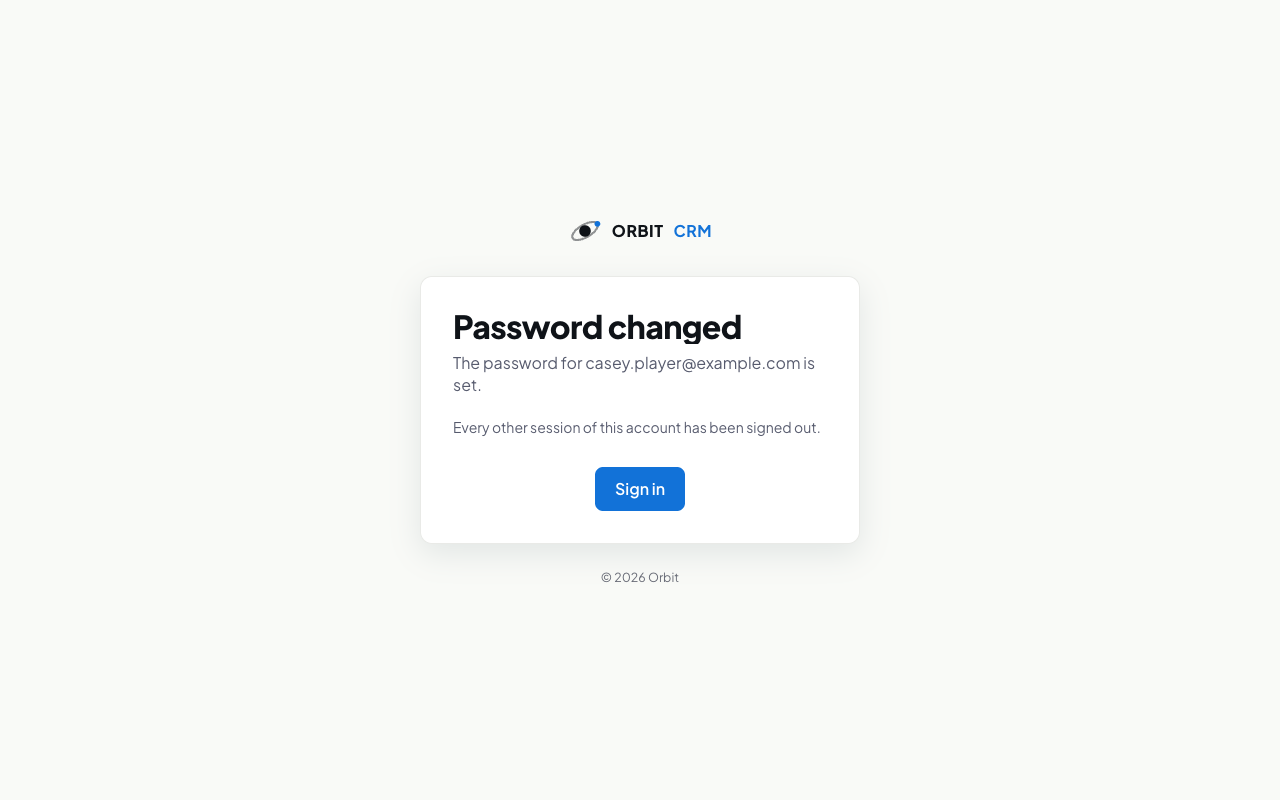
When the password is accepted, the title is Password changed. The subtitle says the password for that email is set. The next line says every other session of this account has been signed out. Orbit then tries to sign you in with the new password. Two-factor is still required, so that sign-in does not finish, and you land on Sign in. Enter the new password there. If an authenticator app is already on, finish with its code. If it is not, the page asks you to set one up. If the attempt fails before it can send you on, Password changed stays on screen. Sign in takes you to the sign-in page.
A link works once, for 30 minutes from the moment it was issued. Using it ends every other session of the account.
Warning
If the link is missing, already used, or expired, the heading is This link does not work. The line under it says This reset link is invalid or has expired. Ask for a new one. Sign in and Ask for a new link sit under that sentence. The page uses the same sentence for every reason the link cannot be used.