Appearance
Search finds one person on the active brand and opens their profile from the row.
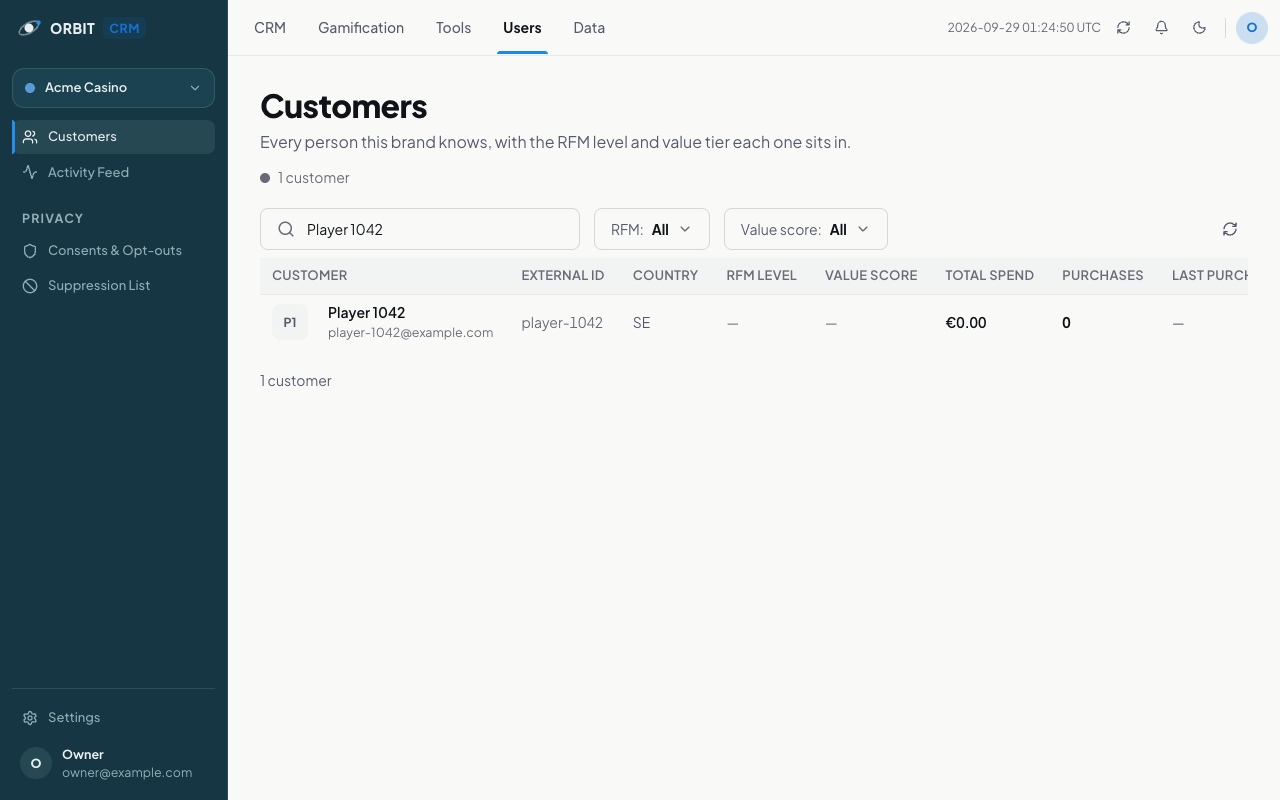
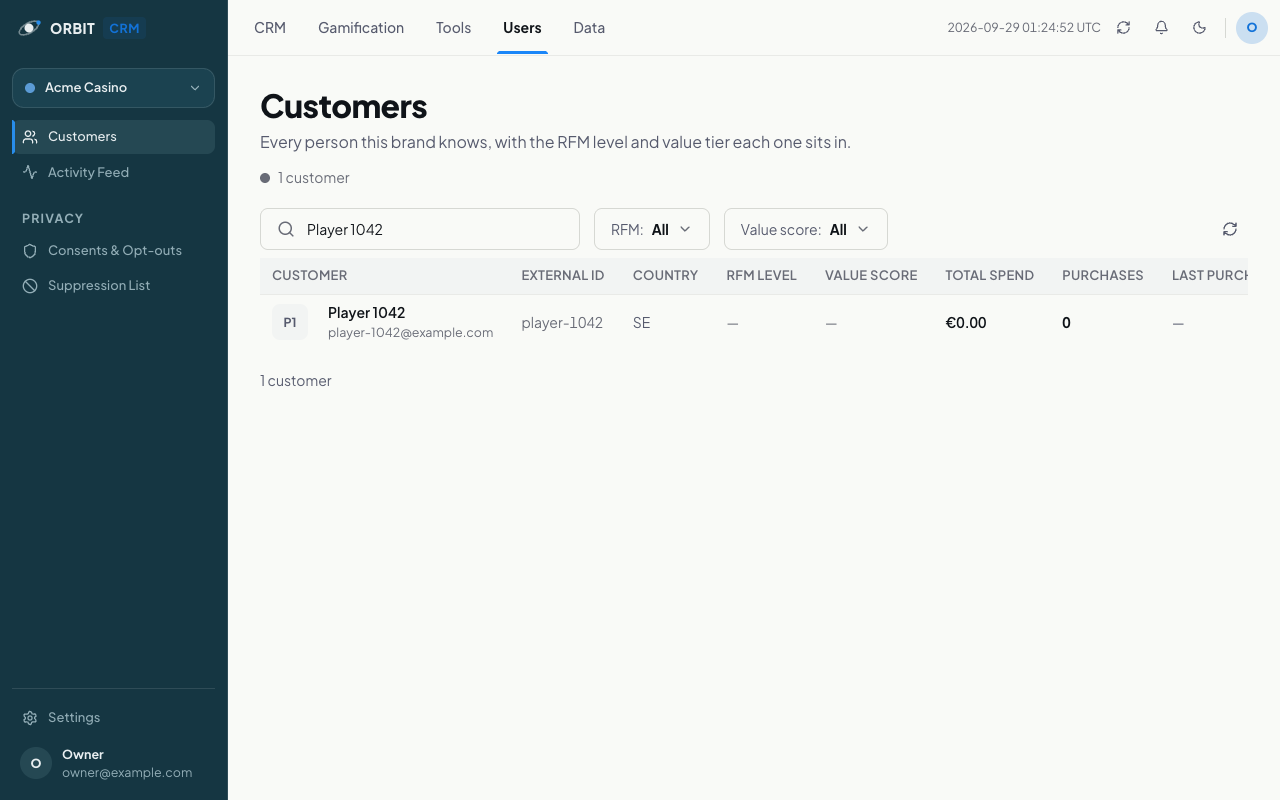
- Open Users, then Customers. The title is Customers. The subtitle reads “Every person this brand knows, with the RFM level and value tier each one sits in.”
- The header counts the customers in this list. When the page cannot hold them all, it reads “Showing” the number on the page “of” the total “customers”.
- Type in Search name, email or ID…. The search matches the name, the email, or the external ID. A leading @ is dropped, so an ID typed with or without it finds the same person. Wait a moment. The table updates on its own.
- Read the row. Customer is the name, or a dash when there is none, with the email under it. Then External ID, Country, RFM level, Value score, Total spend, Purchases, Last purchase and Registered.
- Click the row. That opens the customer.
RFM and Value score narrow the same list. RFM offers Settling, In rhythm, Cooling, Overdue, Fading, Absent, No real-money play and Legacy (not an RFM level). Value score offers Keystone, Mainstay, Contributor, Long tail, Break-even and Net cost, then the retired scale Top (retired scale), High (retired scale), Medium (retired scale) and Low (retired scale).
When nothing matches, the table says “No matching records.” and “Change or clear the filters to see other records.” Clear filters empties the search and both filters. Refresh loads the list again.
Tip
The RFM level and Value score columns use the same names as the filters. A dash in either column means that person has no stored level or tier yet.