Appearance
Value score shows six tiers and how many customers sit in each. The page title is Value score. The cadence that recalculates them is set under Settings, then General.
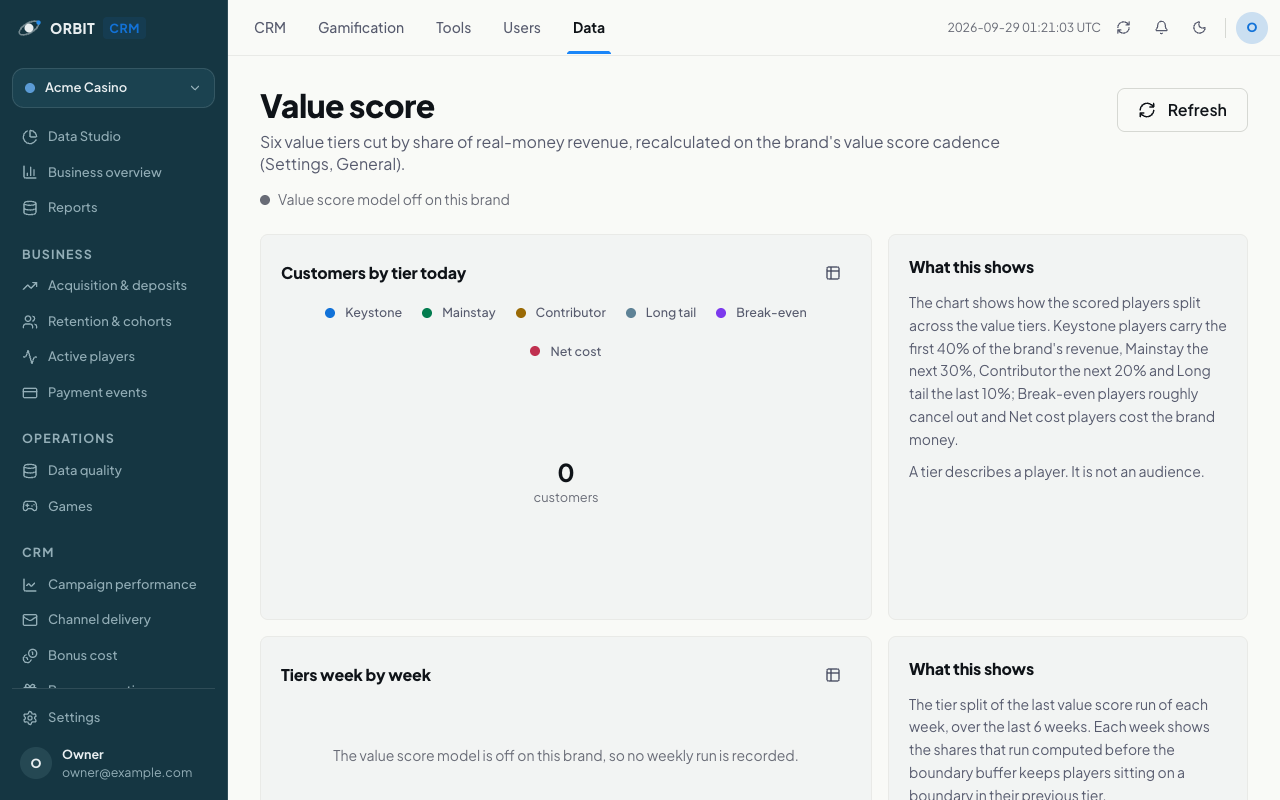
- Open Data, then Customers, then Value score. The subtitle says six value tiers cut by share of real-money revenue, recalculated on the brand’s value score cadence (Settings, General).
- Read the six tiers in this order: Keystone, Mainstay, Contributor, Long tail, Break-even, Net cost. The chart text says Keystone players carry the first 40% of the brand’s revenue, Mainstay the next 30%, Contributor the next 20% and Long tail the last 10%. Break-even players roughly cancel out. Net cost players cost the brand money.
- Use the chart, or the table icon (Show data table / Show chart), to see how many scored players sit in each tier. The table lists the same tiers and the count in each.
- Press Refresh to reload the distribution. The hint is Reload the value score distribution. This loads what is already stored. It does not change the cadence.
The cadence is the Value score row under Scheduled models on General. The Refresh choices there are Off, Every 6 hours, Every 12 hours, Once a day and Once a week. The row starts on Off. Turning it on asks Turn on the value score? before it saves. Players on an account status you do not market to, and players who are self-excluded or cooling off, get no value.
A tier describes a player. The page says it is not an audience. Customers by tier today is the chart of the split. Tiers week by week and Tiers by first-purchase month sit further down the same page.
If profiles still hold an older scale, the table can list Top (retired scale), High (retired scale), Medium (retired scale) and Low (retired scale) after the six tiers. The model does not write those.