Appearance
Missions can be read as a flat list or grouped under the campaigns that start them. Both use the same search and the same filters.
- Open Gamification, then Engagement, then Missions.
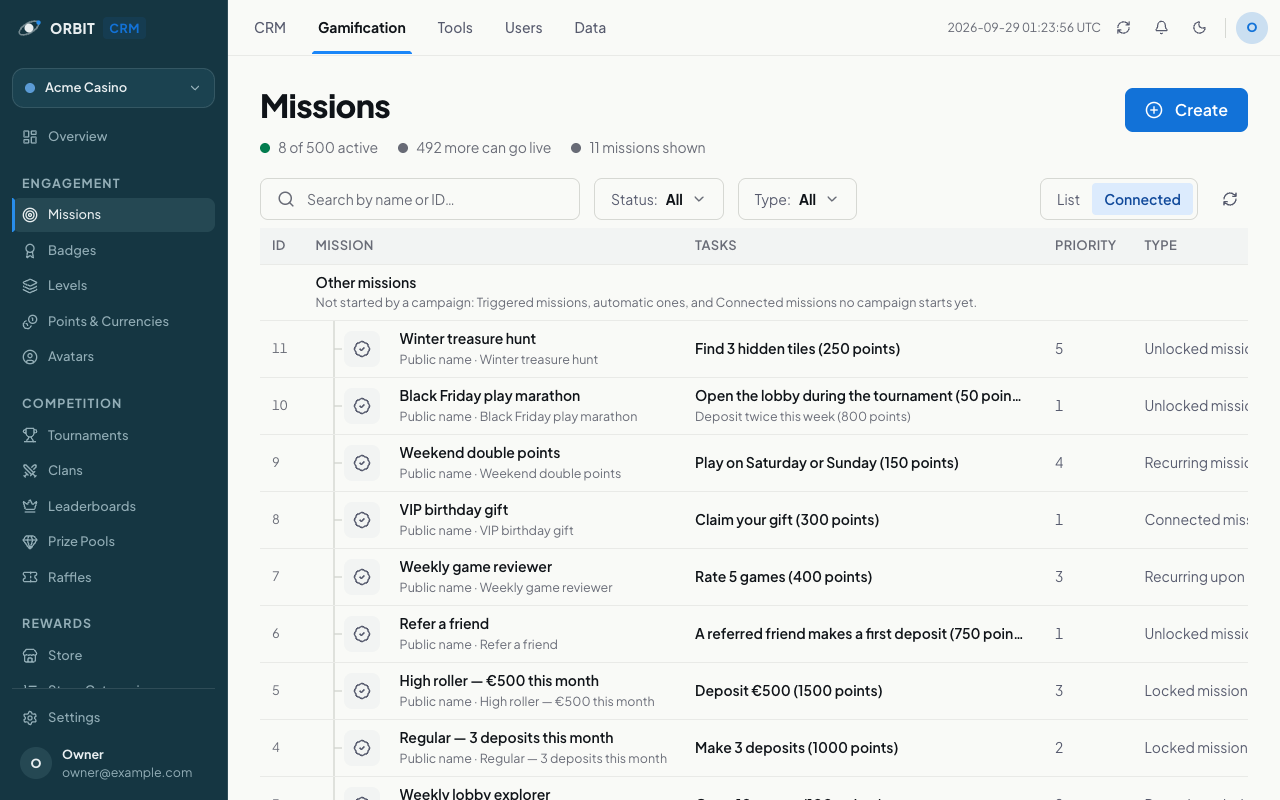
- The switch beside Refresh has List and Connected. List is the table. Connected groups missions under campaigns.
- On List, the column Started by depends on the type:
- A Triggered mission shows “Trigger:” and the event, or “No trigger chosen yet”.
- A Connected mission shows up to three campaign names, or “N campaigns”. Under that, Live, All live, or “N of M live”. None yet reads “No campaign yet”.
- Unlocked, Locked and Recurring show Automatic, and under it “From the first matching task”.
- Press Connected. A campaign row reads “Campaign · ID”, the number, and “starts 1 mission” or “starts N missions”. Missions sit under it, with “1 step” or “N steps”, then “starts it now” or “starts nobody now”. A mission two campaigns start appears under both.
- Other missions reads “Not started by a campaign: Triggered missions, automatic ones, and Connected missions no campaign starts yet.”
- Search by name or ID…, Status and Type apply to the missions. Loading says “Loading the campaigns that start these missions…”. Failure says “Could not load the campaigns that start these missions.” Press Try again. The footer can add “more rows not shown in this view”, or “more than 2,000 campaign links: narrow the filters to see them all”.
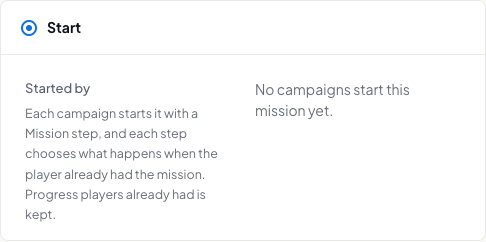
- Open a Connected mission. Start is Started by. Before the first save: “Save the mission, then add a Mission step to a campaign flow and choose it there.” With none yet: “No campaigns start this mission yet.” A row shows the campaign, its ID, Mission (or the step’s own label), the choice on that step, the campaign status, Step live, Step paused, Step deactivated, Step archived or Step switched off, and Starts it now or Starts nobody now. Show more campaigns loads further rows. After the mission is saved, the hint ends with “Progress players already had is kept.” Before the first save, the hint is “A campaign starts this mission with a Mission step in its flow.”
The mission can be Active before any campaign starts it. Active still needs at least one task.