Appearance
Payout history lists each close for the active brand: the period it counted, the status of the run, and where each payout stands.
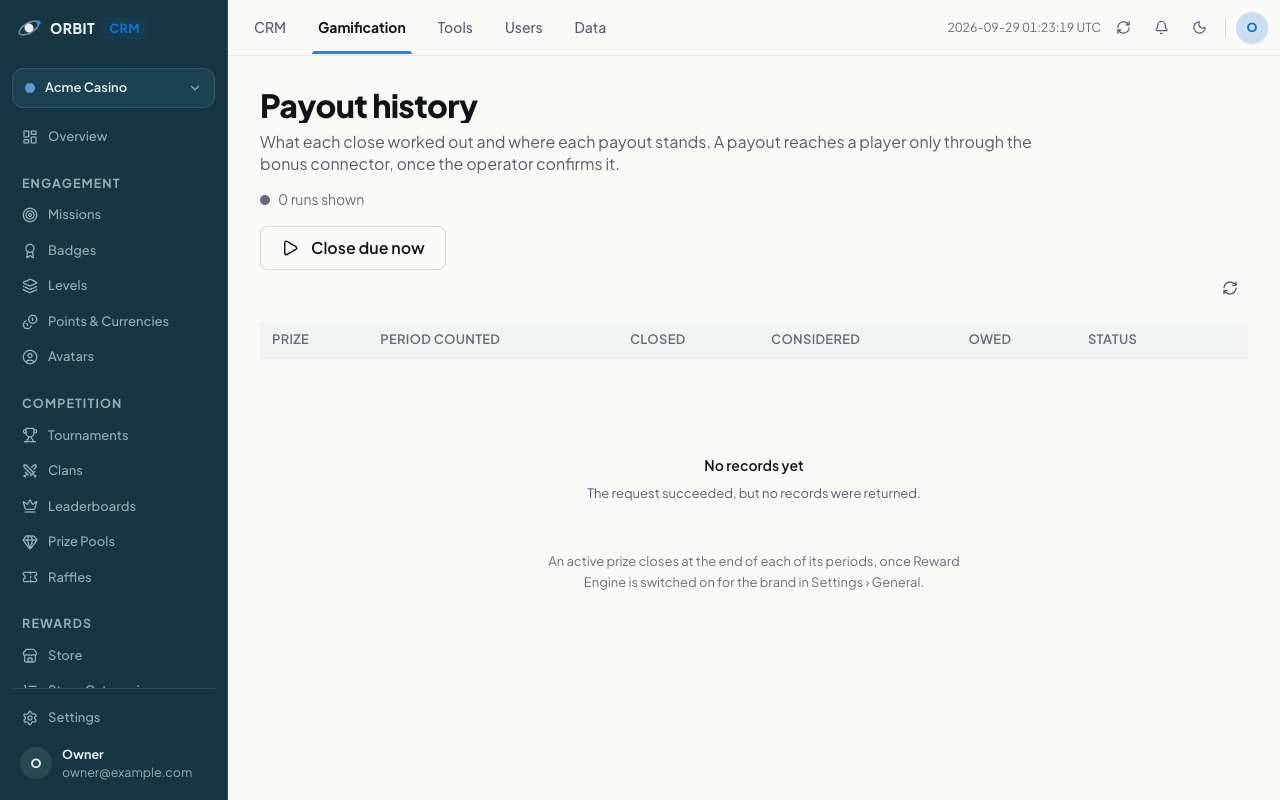
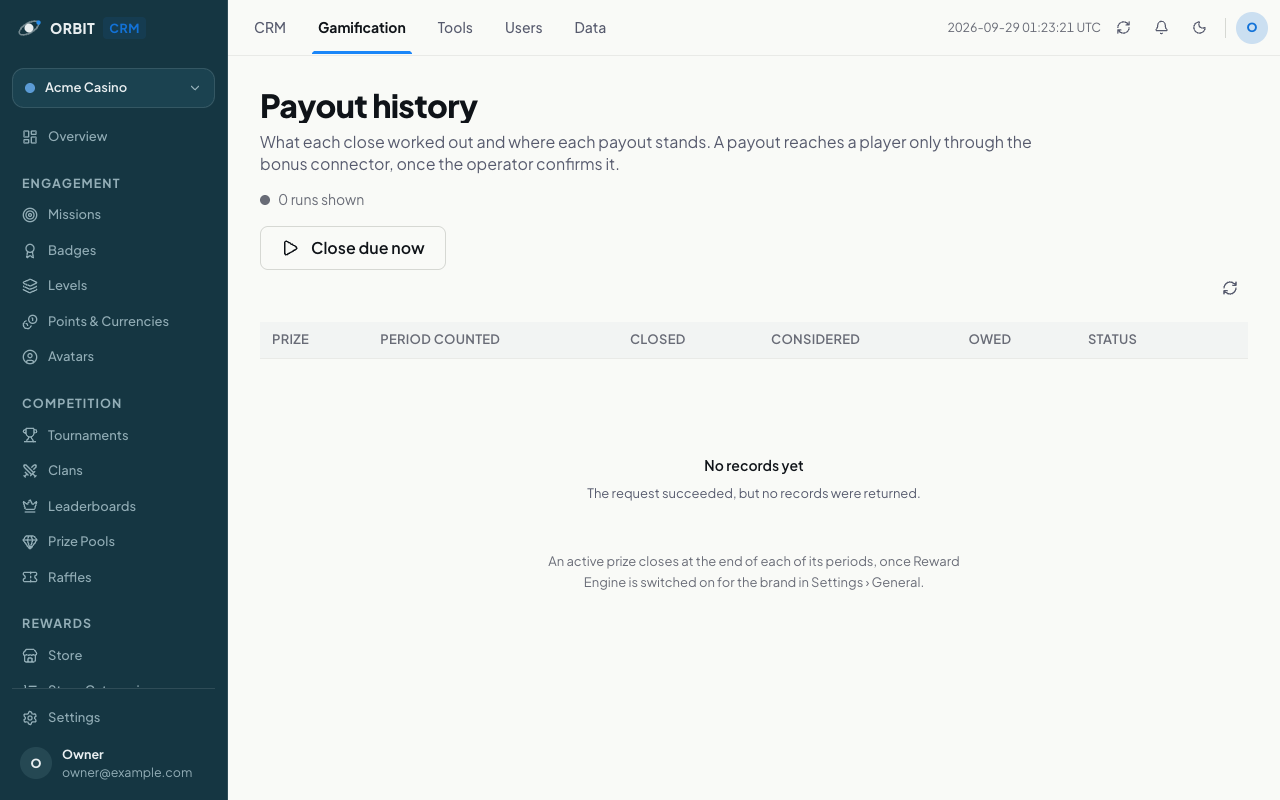
- Open Gamification, then Rewards, then Payout history.
- The subtitle reads “What each close worked out and where each payout stands. A payout reaches a player only through the bonus connector, once the operator confirms it.”
- Each row is one run. Prize is the name, with Settled or Still moving under it. Period counted is the window, with the run’s time zone under the dates. Closed is when the close finished. Considered is how many customers were counted. Owed is the amount, with the number of payouts under it. Status is Complete, Running or Failed.
- Open a row. Who was left out, and why lists each reason and a count, or “Nobody considered was left out.” Largest payouts lists people and amounts. A payout line uses one of these words: approved, waiting to be queued, queued to the operator, issued by the operator, failed or unconfirmed, or rejected. The summary under the list counts the same states, and adds waiting for lines that are not in those states yet.
- When lines are waiting, the open run shows Approve with the waiting amount, and Reject. Reject asks “Why this period is not being paid” and then Confirm.
- Close due now runs a close immediately. While it works, the button reads Closing…. Afterwards the yellow line says how many closed. When nothing was due, it reads “Nothing was due.” The same line says a pass also does nothing while the prize engine is switched off for the deployment. If some were skipped, the line adds the skip reasons.
- An empty list says “No records yet” and “The request succeeded, but no records were returned.” Under that: “An active prize closes at the end of each of its periods, once Reward Engine is switched on for the brand in Settings › General.”
Refresh reloads the table. It does not start a close. Close due now is the button that does.