Appearance
Read the changes stored against one Lifecycle or one Broadcast. This is not Data, and it is not Run history. History is who edited the record.
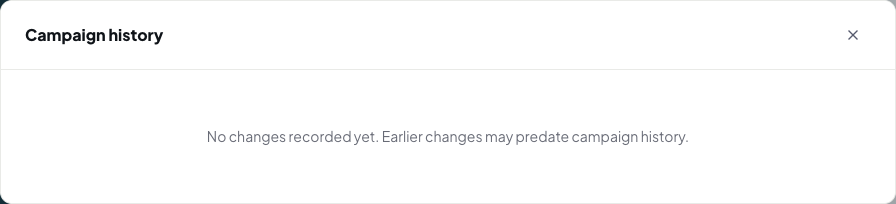
- Open the saved Lifecycle or Broadcast. In the header, press History. The dialog title is Campaign history.
- The columns are When (UTC), Who and What changed. Who is the email of the person. A change with no person says System.
- What changed names the action. The lines you will see include Created campaign, Edited campaign, Cloned campaign, Changed status, Locked editing and Unlocked editing. A status that became archived says Archived campaign. One that left archived says Restored campaign.
- Under an edit, each changed field is named. The names include Name, Status, Trigger, Re-entry, Segment, Flow, Schedule, Conditions, Tag added, Tag removed, Rule added and Rule removed. A value that was empty reads Not set. A simple change shows the old value, then the new one. A large change, such as Flow, reads “Flow changed” and opens Before and After. When there are more than 25 changes, Load older changes shows the next ones.
- A clone line starts with Source: and the campaign it was copied from. A lock line says “Editing safeguard for this session.”
While the dialog is loading it says Loading history…. If it cannot load, it says Could not load history. Press Retry. If nothing has been stored, it says “No changes recorded yet. Earlier changes may predate campaign history.”
Warning
Run history on Data is each send: Run at, Channel, Audience, Sent, Delivered, Clicked, Converted and Revenue. Campaign history does not list those runs. Use Data when the question is whether it sent.