Appearance
See each customer who entered one saved Lifecycle, where they stand, and whether they converted. The list comes from the customers moving through the Lifecycle flow. A Broadcast sends in one batch and nobody moves through it, so its Users tab stays empty.
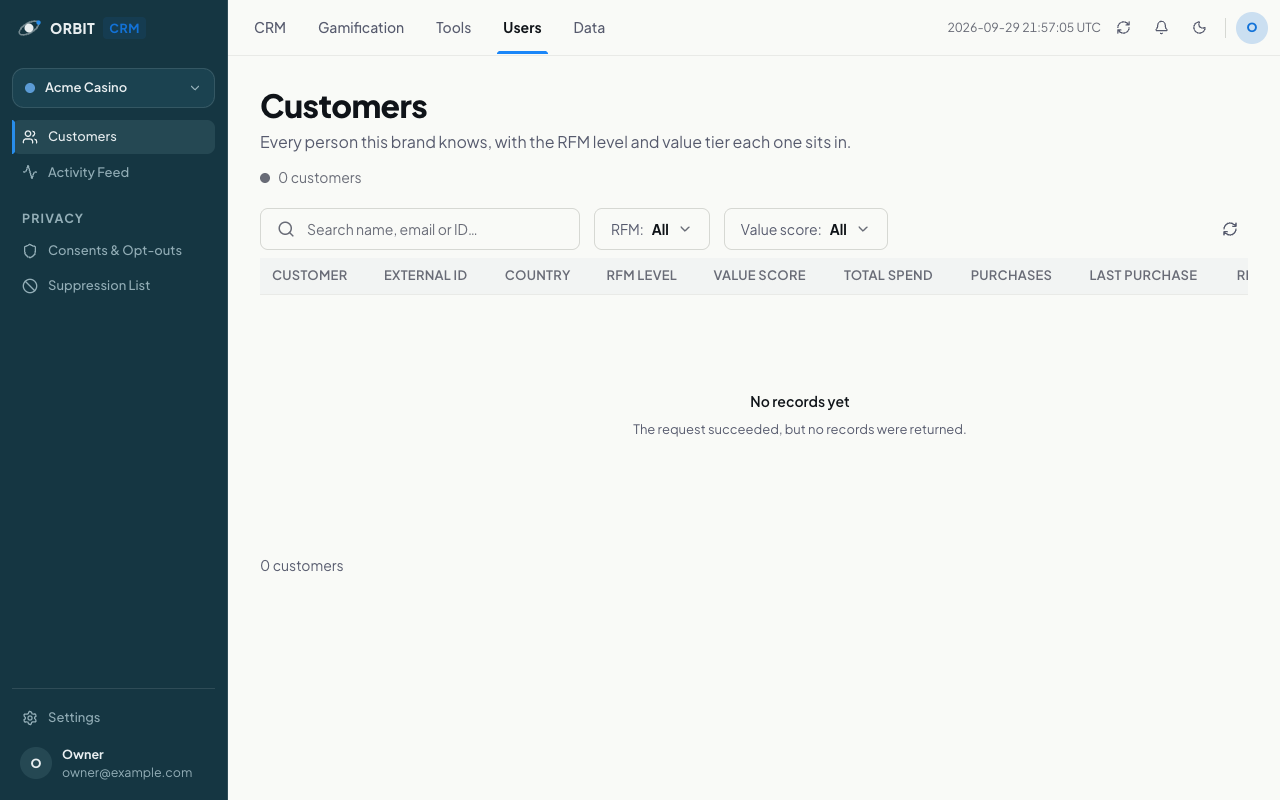
Before you start: Users opens after the first save. On a new record the note says “The other tabs open after the first save.”
- Open the saved Lifecycle. Open Users.
- The search box placeholder is Customer external ID. Type the start of an id to narrow the list. Period is two dates in the brand time zone. The first is Entered from. The second is Entered to.
- Status starts on Any. The choices are Open, Ended, Waiting, Held, Finished, Stopped and Failed. Converted starts on Any, and the choices are Yes and No.
- The columns are Customer, Entered, Status, Current step, Ended reason and Converted. Converted prints Yes when a deposit was credited to this campaign after the customer entered, or when a conversion rule counted them. Otherwise it prints No. Current step is the step they are on, or a dash when there is none. Ended reason is a dash when they have not ended.
- Press the customer. That opens their profile. The footer says Showing and the range. Previous and Next move the pages. At the end, the caption is No more customers.
If nobody has entered, the tab says “No customer has entered this lifecycle yet.” If the filters exclude everyone, it says “No customer matches these filters.”
Tip
Users is the people. Data is the runs: Run now and Run history. An empty Users tab can sit next to a Run now line that says nobody entered. Read that line when you need the reason.
The Status column prints Finished when the entry is finished. The filter’s Finished is that same state. Open in the filter covers Running, Waiting and Held, and Ended covers every other state. A customer moving through the flow right now reads Running in the column, and that word is not a filter choice.