Appearance
Create stores a Tile Match. The list header reads Configured — not live yet. A new game keeps that mark. The tabs are General, Tiles and Player view.
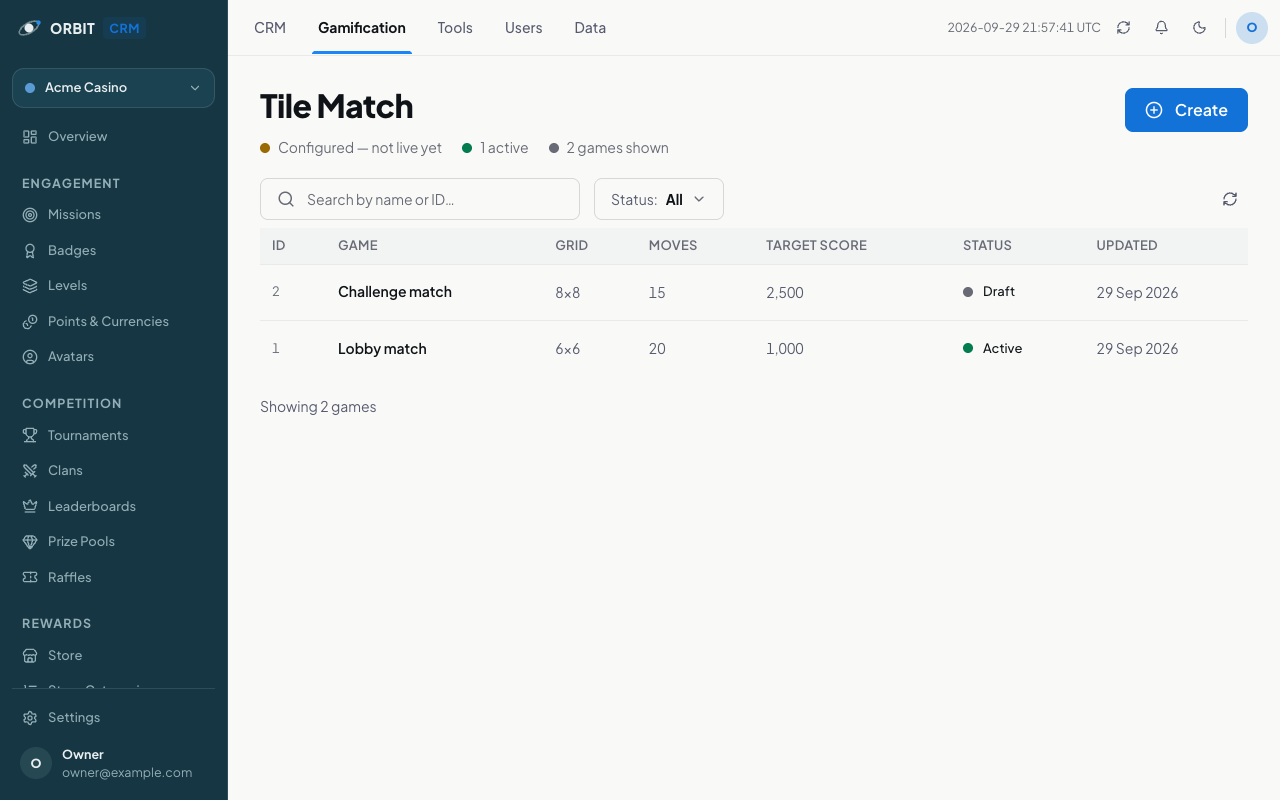
- Open Gamification, then Mini Games, then Tile Match. The header shows Configured — not live yet.
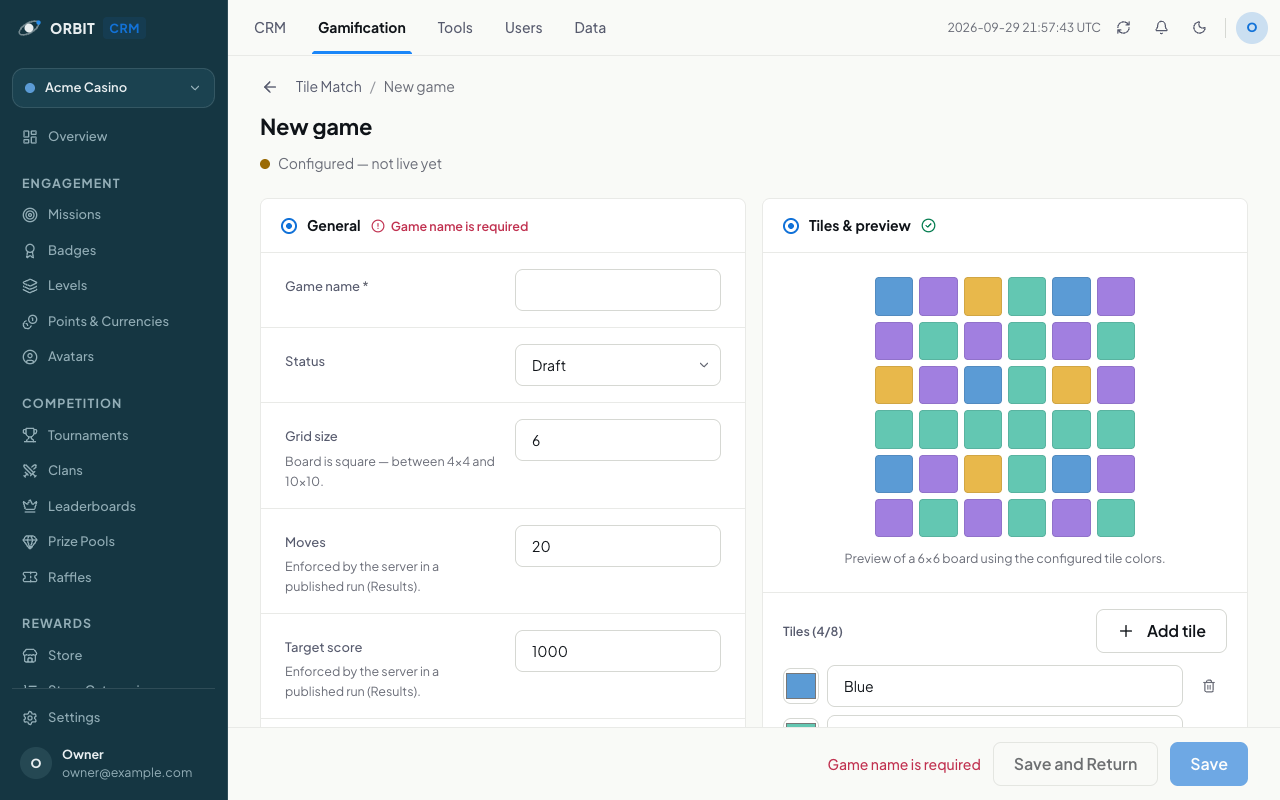
- Click Create. The page is titled New game and keeps Configured — not live yet.
- Game name is required. Empty, Save shows “Game name is required”.
- Status is Active, Draft or Inactive.
- Grid size is the board. The hint says the board is square, between 4×4 and 10×10. The field keeps a number inside that range.
- Moves and Target score share the hint “Enforced by the server in a published run (Results).” Points per match reads “Scored by the server for each line group, in a published run.”
- On Tiles, a new game starts with the tile labels Blue, Teal, Amber and Violet. Each row has a Tile color and a Tile label. Add tile appends a row labelled New tile. Remove tile deletes one. With no tiles, the card says “No tiles yet — add one to build the board.” Player view draws the board from the Tiles tab. The caption says the board a player is dealt is laid out from these two settings, that this is not a live game, and that nothing here is played.
- Save shows Saved. Save and Return goes back to Tile Match.
The list searches with Search by name or ID… and filters Status. Opening a row returns you to this editor.
Warning
Active changes the count on the list. The list header still reads Configured — not live yet. The Moves and Target score hints apply once a run is published from Results.