Appearance
Use one recovery code to finish sign-in when you cannot open the authenticator app.
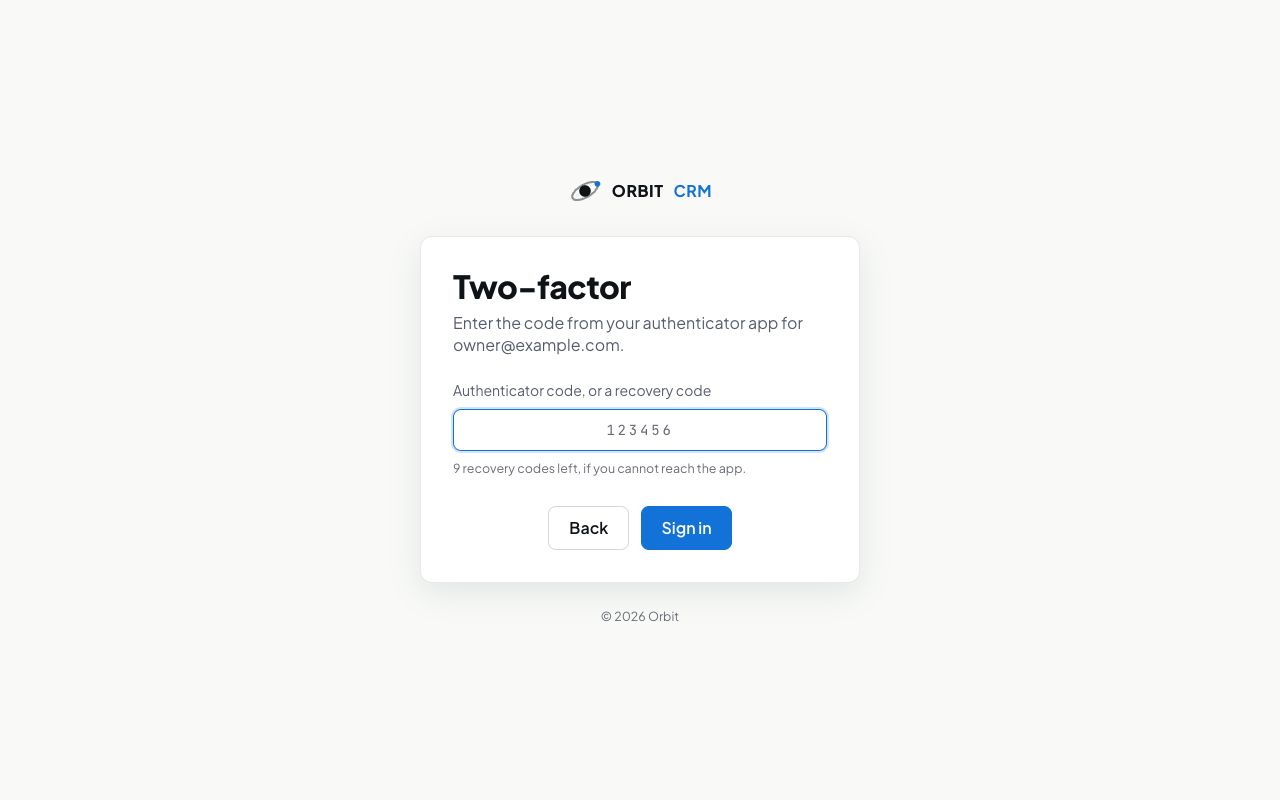
- On Sign in, enter Email and Password, then press Sign in.
- The title becomes Two-factor. The subtitle asks for the code from your authenticator app for that email.
- The field is Authenticator code, or a recovery code. Type one recovery code from the list you kept when two-factor was turned on. Each code works once.
- The line under the field says how many recovery codes are left, if you cannot reach the app. No recovery codes left means none remain. A code from the authenticator app still works in the same field.
- Press Sign in. While it checks, the button reads Checking…. That code is not right means this code did not match. Try another unused recovery code, or a code from the app.
- A matching code opens Orbit. Back returns to Email and Password without using the code.
The count under the field is what remains after codes already used. A code that has been used does not work a second time.
When no recovery codes are left and the app is out of reach, you cannot finish this screen yourself. Lost your phone or authenticator app covers who can press Reset 2FA, and how you replace the app from Security when you are already signed in.