Appearance
See the customers Orbit will not contact, and why. The list is decided by your platform's data. You do not add a person here.
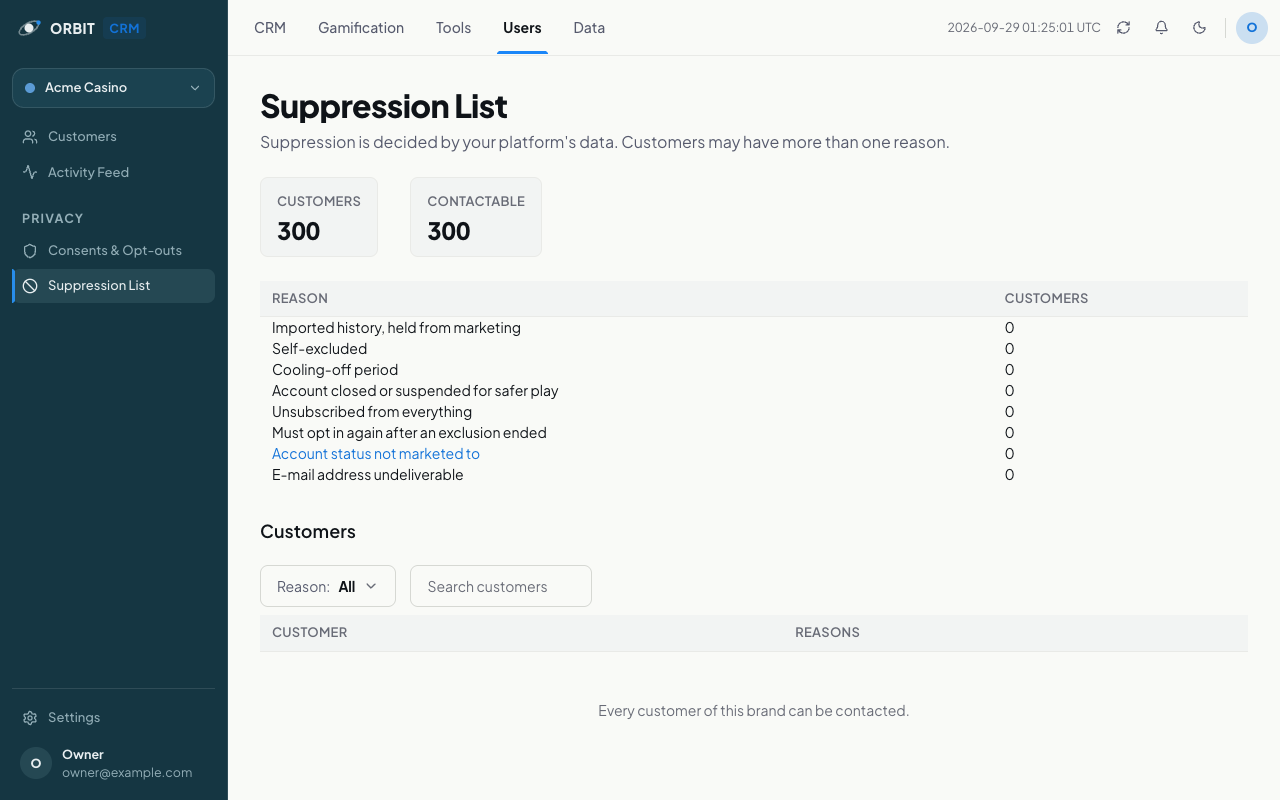
- Open Users, then Privacy, then Suppression List. The title is Suppression List. The subtitle says suppression is decided by your platform's data, and that customers may have more than one reason. With no brand, the page says Select a brand to see its suppression list.
- Two counts sit above the reasons: Customers and Contactable.
- The reason table is Reason and Customers. The reasons are Imported history, held from marketing; Self-excluded; Cooling-off period; Account closed or suspended for safer play; Unsubscribed from everything; Must opt in again after an exclusion ended; and Account status not marketed to. That last reason opens Settings, then General. A further row is E-mail address undeliverable.
- Customers, under the table, is the people. Reason filters the same reasons, without the undeliverable row. Search customers matches the name, the email or the external ID. The columns are Customer and Reasons. A name opens the profile. The external ID prints under the name when both exist. View customer is the link when there is no name and no external ID.
- Every customer of this brand can be contacted means nobody is on the list. No customers match these filters means the reason or the search missed. Press Load more for the next page. While it loads the button reads Loading….
A customer can show more than one reason, joined on the row. Contactable is the rest of the brand, the people not on this list.