Appearance
Create stores a surprise reward and the prize labels it hands out once a run is published from Results. The list header still reads Configured — not live yet.
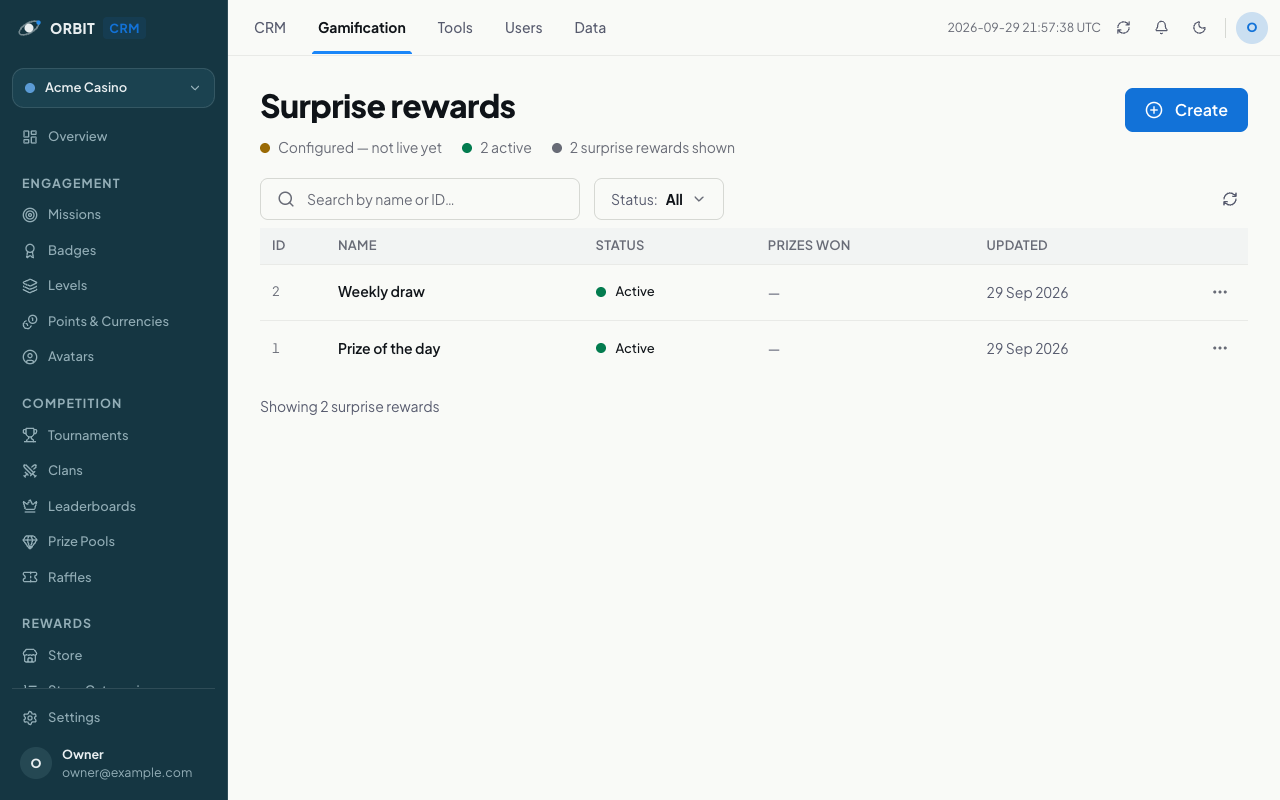
- Open Gamification, then Mini Games, then Surprise rewards. The header shows Configured — not live yet.
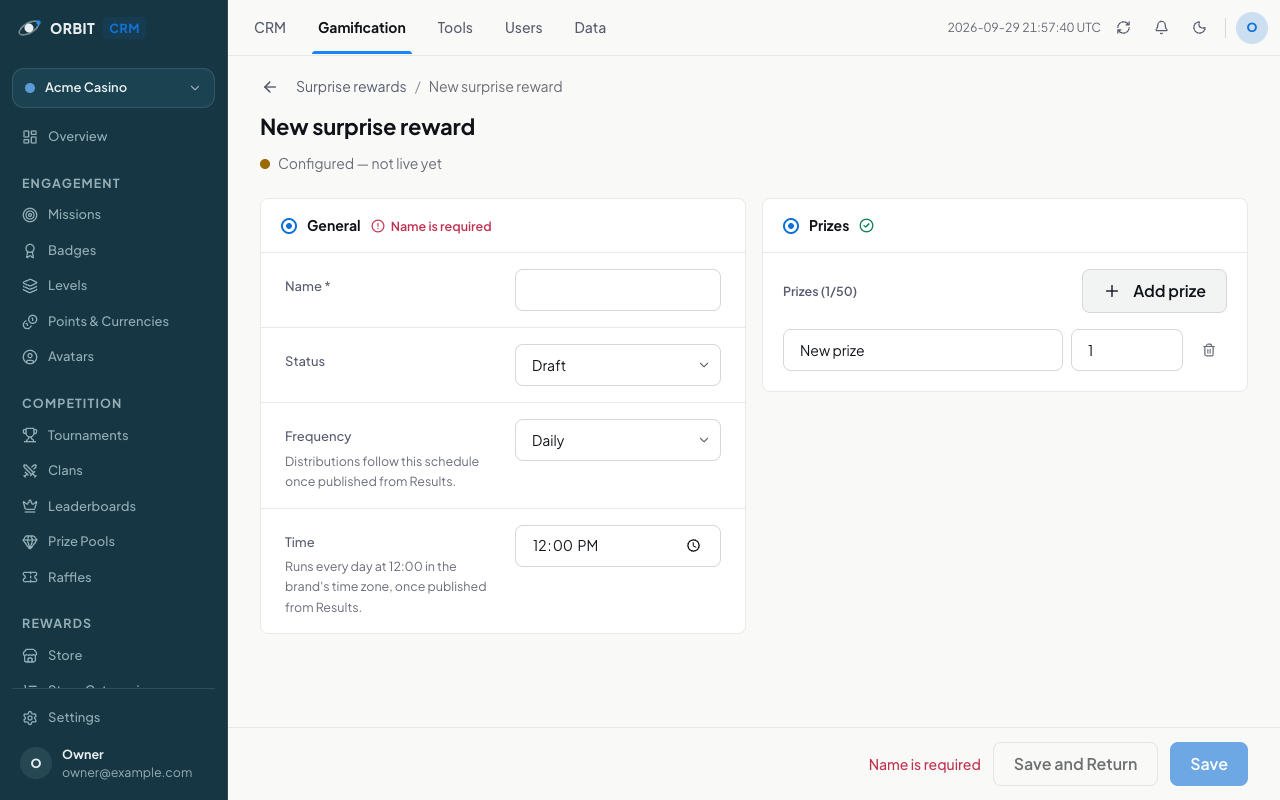
- Click Create. The page is titled New surprise reward. A new one keeps Configured — not live yet.
- Name is required. Empty, Save shows “Name is required”.
- Status is Active, Draft or Inactive.
- Frequency is Daily or Weekly. The hint reads “Distributions follow this schedule once published from Results.”
- Time is a clock time. Daily reads “Runs every day at {time} in the brand's time zone, once published from Results.” Weekly reads the same with “every week”.
- On Prizes, click Add prize. Each row is a Prize label and a Quantity available. You can store up to 50 prizes. Remove prize deletes a row. With none, the card says “No prizes yet. Add at least one prize before publishing.”
- Save shows Saved. Save and Return goes back to the list. Clone copies a drop you have saved. The row menu includes Deactivate while the status is active.
Search with Search by name or ID… and filter Status. A row opens that surprise reward.
Tip
Active updates the active count on the list. The list header still reads Configured — not live yet. The clock runs once a run is published from Results.